 Claude
 Gemini
An open-source IDEfor your knowledge
Keep everything you know as plain Markdown in a folder you own, and give your assistant a lasting memory of it — on the subscription you already pay for.
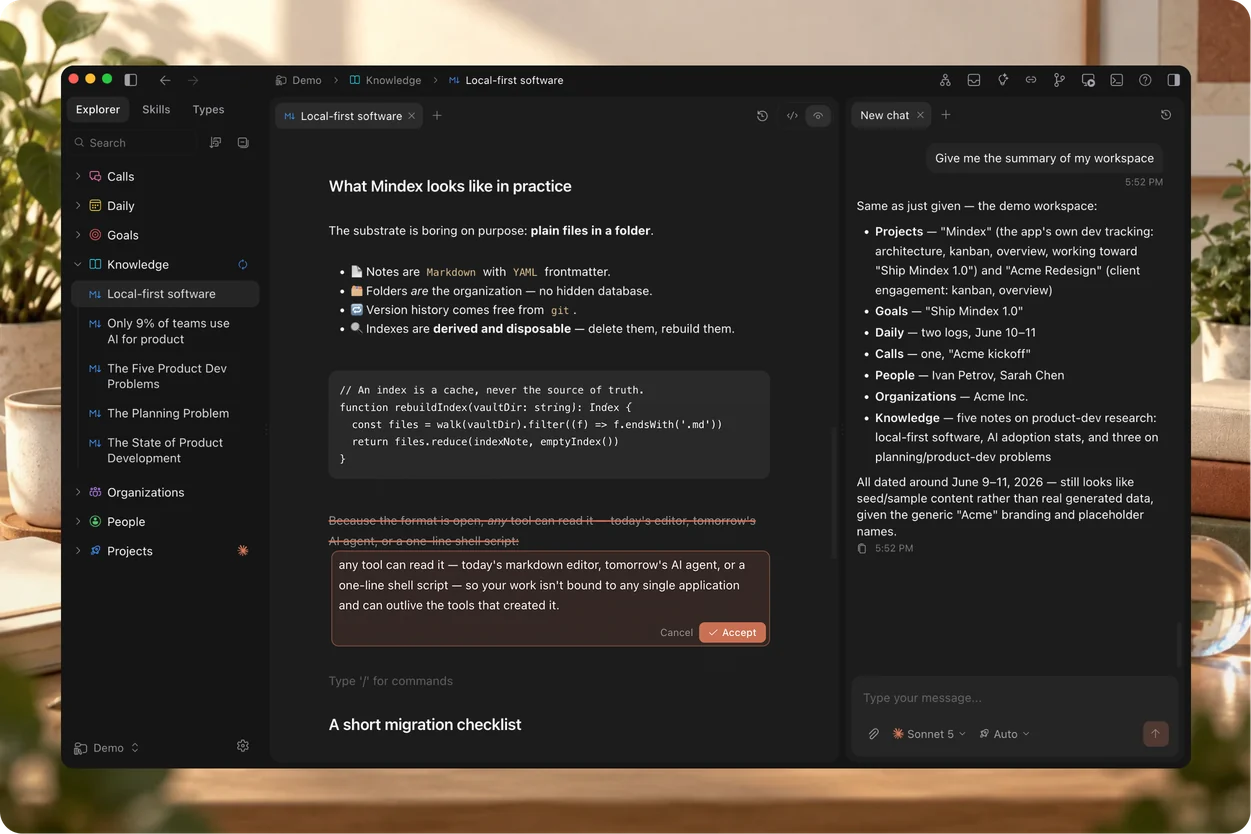
One vault, and the AI you already pay for
A real editor, links that go both ways, local history and an assistant that reads and writes the files themselves — all plain Markdown in a folder you own. Mindex drives the CLI you already have — Claude Code, Codex, or Gemini CLI — so there is no API key to add and no second bill. Click the core to change assistant.
- Context kept per folder
- You set how far a question reaches
- Local history, and Git
- Open source, AGPL-3.0
A vault that keeps itself in order
Folder descriptions written in the background, links that map themselves, and a tree you can read at a glance.
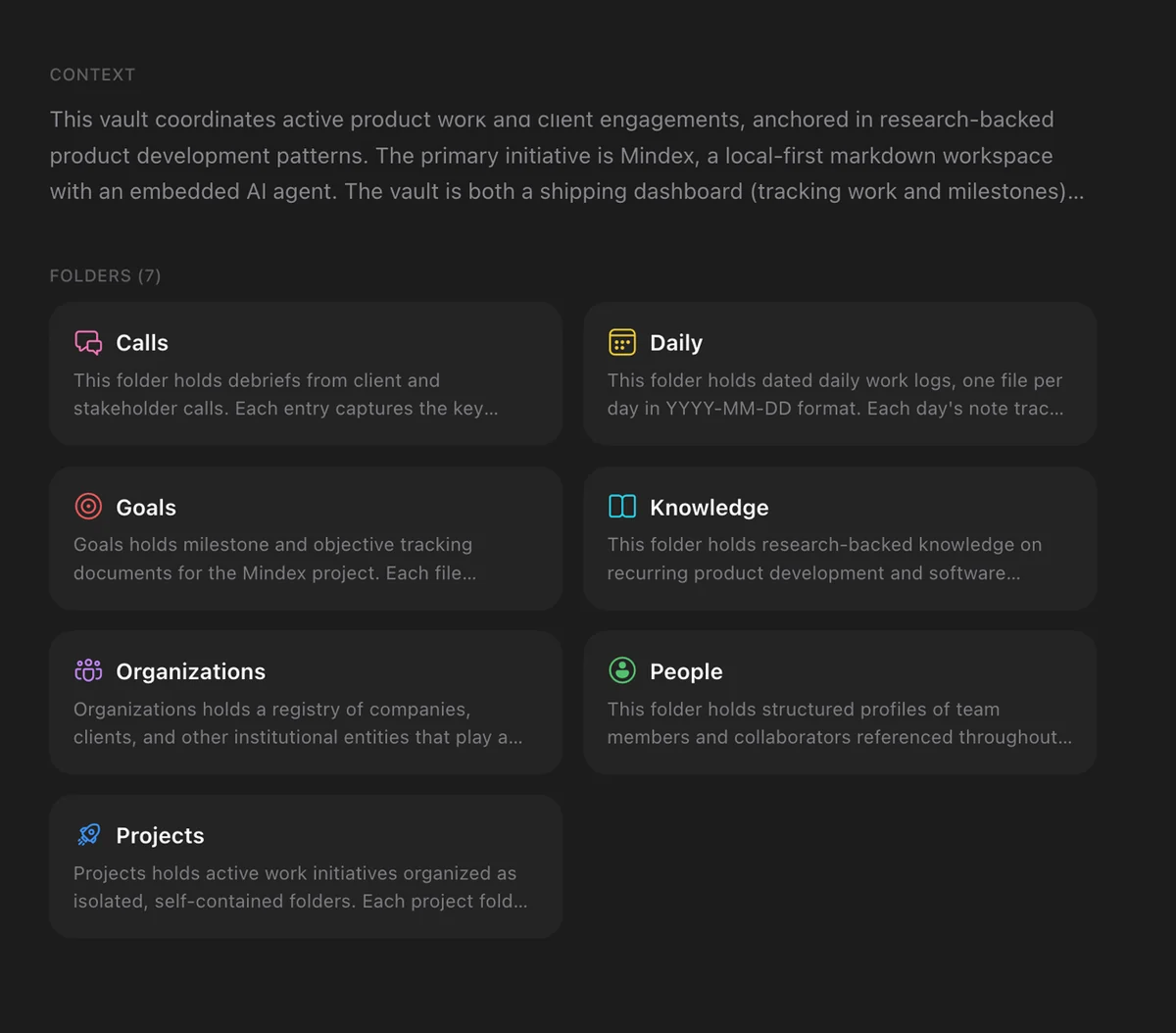
Context that writes itself
A short description of every folder, rewritten in the background as things change. Your assistant starts from what is there now.
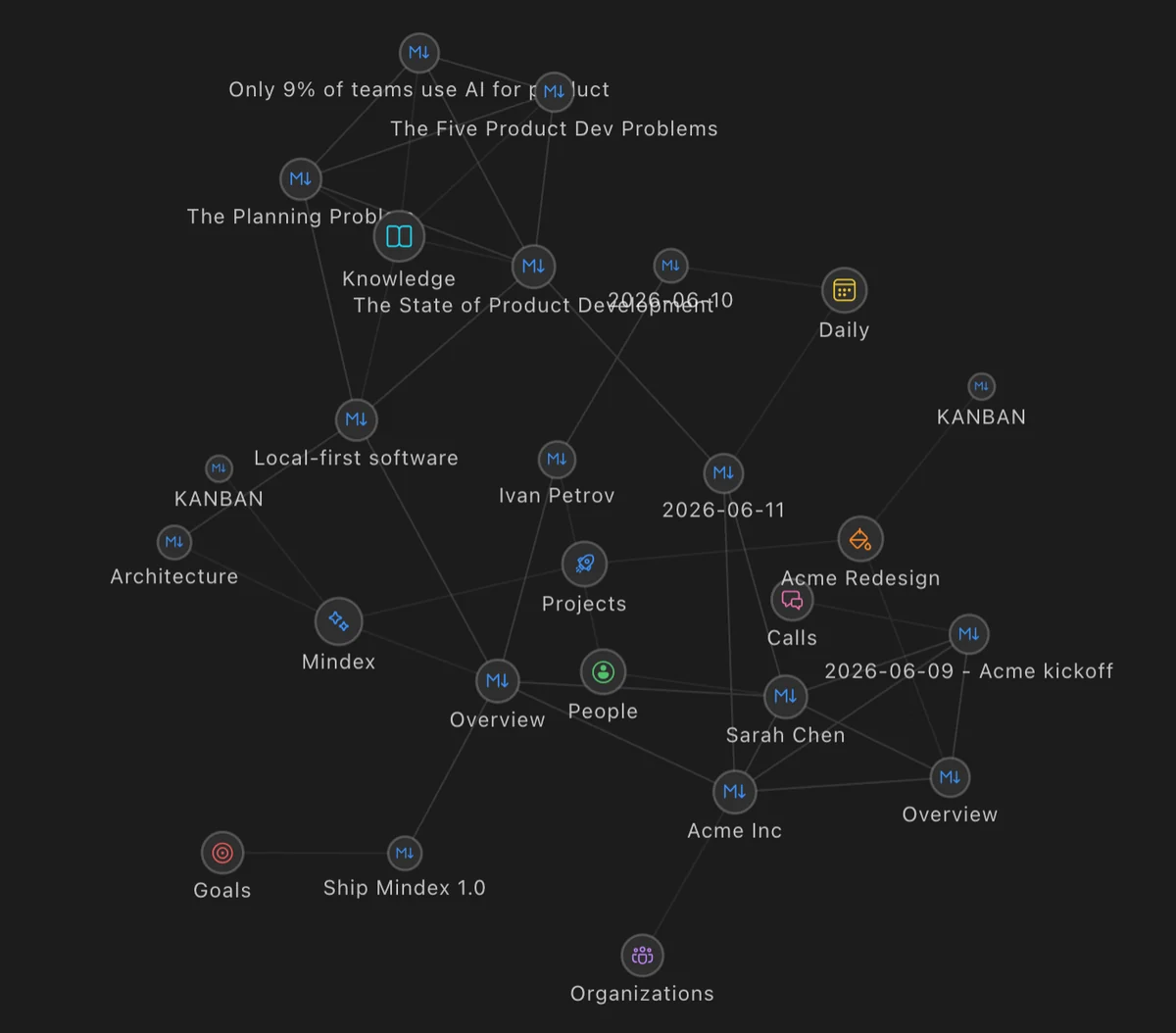
See how everything connects
Wiki links that work both ways, and a graph of the whole vault. Notes, people, projects and daily logs, and the paths between them.
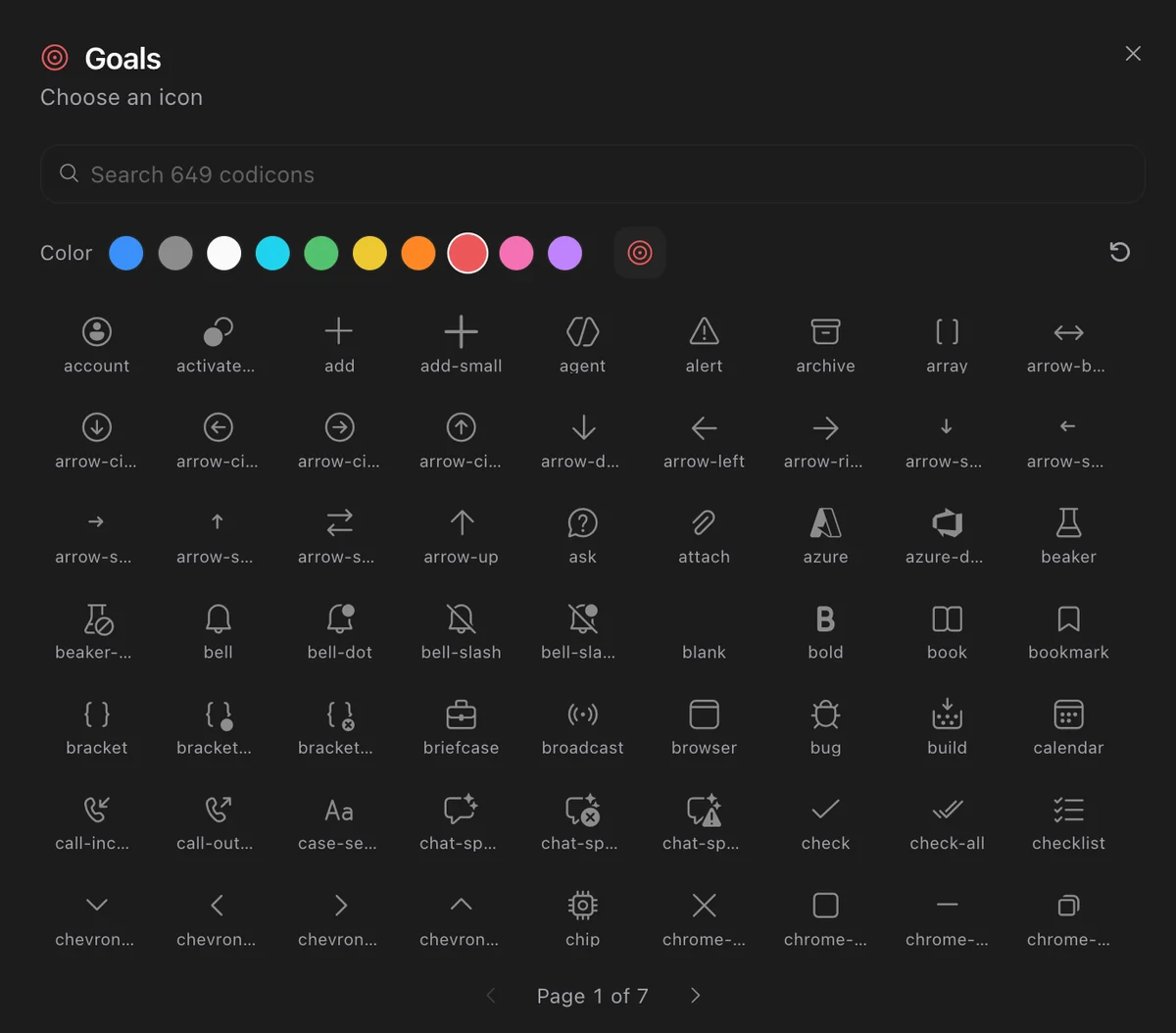
Make it look like yours
Six hundred icons and a colour for any folder or note type, so the tree reads at a glance instead of being scanned line by line.
Plain files, on your disk
~/Vault/ideas.mdEvery note is a .md file in a folder you chose. No database, no export step — delete the app and your knowledge is still sitting there.
Types are lenses, not schemas
type: projectMark a note as a project, a person or a call and the view changes to suit it. What you may write never does.
Nothing is lost
git logLocal version history on every write, and Git built in for when you want a history someone else can read.
One workspace for everything you know
Work, study, a company, a life — kept as ordinary Markdown you own. The substrate is boring on purpose: read your notes in any editor, grep them from a terminal, sync them with whatever you already trust. Nothing here can be taken back.
Hey! I’m Dmitriy
I build AI products for a living. I wanted one place to keep everything I know, where an agent could actually do the work, and nothing did it well enough. I use Mindex every day, and most of what is in it exists because something annoyed me first.

Frequently asked questions
Both work on a local Markdown vault. Mindex is built around the assistant rather than around plugins: it keeps a context file per folder current, runs Claude Code, Codex or Gemini inside the vault with a scope you set — this note, this folder, everything — and lets an answer land in the chat, in the note, or as a Word, Excel, PDF or Markdown file. Obsidian is a superb editor with a plugin for everything; Mindex has one opinion about how the assistant fits.
One assistant CLI, installed and signed in: Claude Code, Codex, or Gemini CLI. Mindex drives whichever you have on the subscription you already pay for, so there is no API key to paste and no per-token bill from us. Switching between them does not touch your vault.
In a folder you choose, as plain Markdown with YAML frontmatter. Nothing is uploaded by the app — there is no account and no server behind it. When you ask an assistant something, that request goes from your machine to the CLI you picked — Claude Code, Codex, or Gemini CLI — under your own subscription and that vendor's terms. Mindex neither proxies nor stores it.
Git is built in — commit, push and browse history without leaving the app — and that is the recommended route. There is no Mindex cloud, so nothing syncs through us; because the vault is ordinary files, any sync tool you already trust works too.
Builds are not yet signed with an Apple certificate. Right-click the app, choose Open, then Open again — macOS asks once. Windows and Linux install normally.